
Improved Discounts System in PrestaShop 9.1
A complete overhaul of how discounts work in PrestaShop
Discounts are a pivotal element in ecommerce, driving sales and customer loyalty. As shops grow, the complexity of managing these promotions increases, often highlighting limitations in flexibility and performance. Recognizing these challenges, we embarked on a mission to revamp the discounts system in PrestaShop, aiming for a solution that is both powerful and easy to use.
Here is a closer look at the improved discounts system coming to PrestaShop 9.1.
Work in progress
This feature is currently available for testing purposes. While we encourage you to try it out and provide feedback, please keep in mind that it is still under active development and should be used with caution.Why this change?
This update represents more than just a functional migration. During our discovery phases, consistent feedback pointed to specific pain points: a lack of simplicity and, more critically, performance issues related to how cart rules interacted with each other.
Rather than patching the existing user journey, we decided to rebuild it to provide a robust, long-term solution.
How it works
Our primary goal was to simplify the creation of discounts and improve clarity when viewing them, both in lists and detailed views. To achieve this, we reorganized the features to put everything in its logical place:
- Product application: Features that apply discounts directly to products.
- Price declination: Features that adjust a product’s price based on specific criteria.
What’s new?
The new system structures discounts around 4 core types, defining exactly where and how a discount is applied to an order.
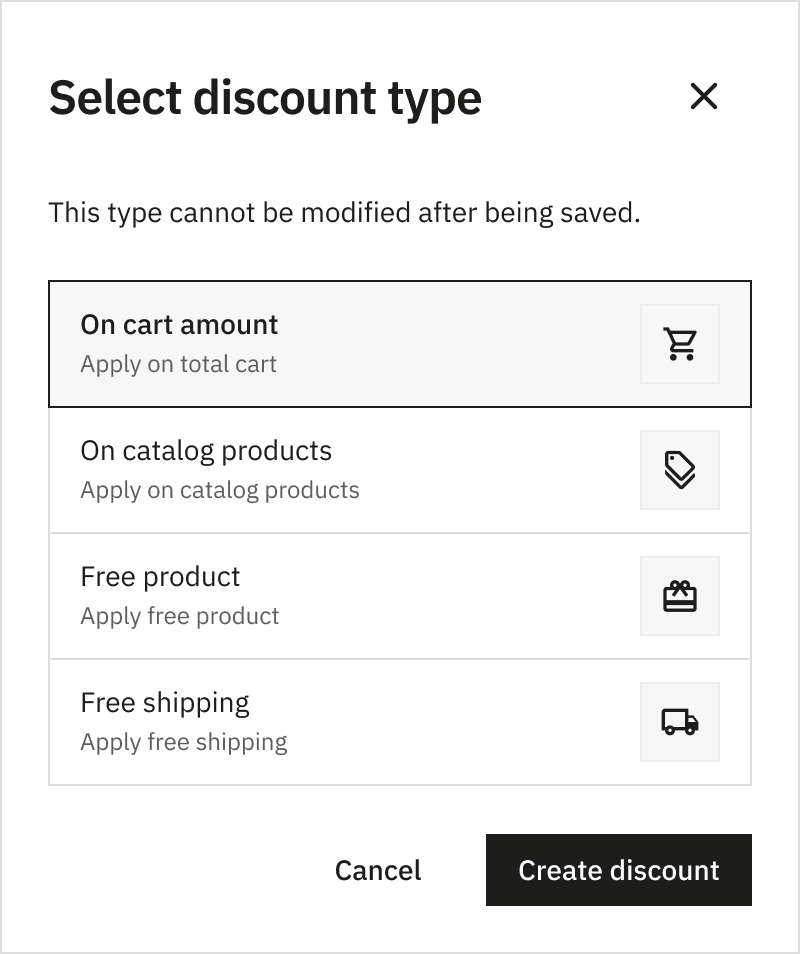
The 4 Discount Types
1. Catalog Discount
- Applies a discount to a specific product or a segment of products (matching specific criteria).
- Can be a fixed amount or a percentage.
- The discount applies as many times as the eligible product appears in the cart.
2. Cart Discount
- Applies a discount to the total cart amount (excluding shipping).
- Can be a fixed amount or a percentage.
3. Free Shipping
- Offers free shipping for the order.
- Only one discount of this type can be applied per order.
4. Free Gift
- Offers a specific product added to the order (excluding customizable products).
Configuration
At the configuration level, we have standardized the experience while maintaining necessary distinctions.
Common Elements
Every discount type shares a set of common configuration options:
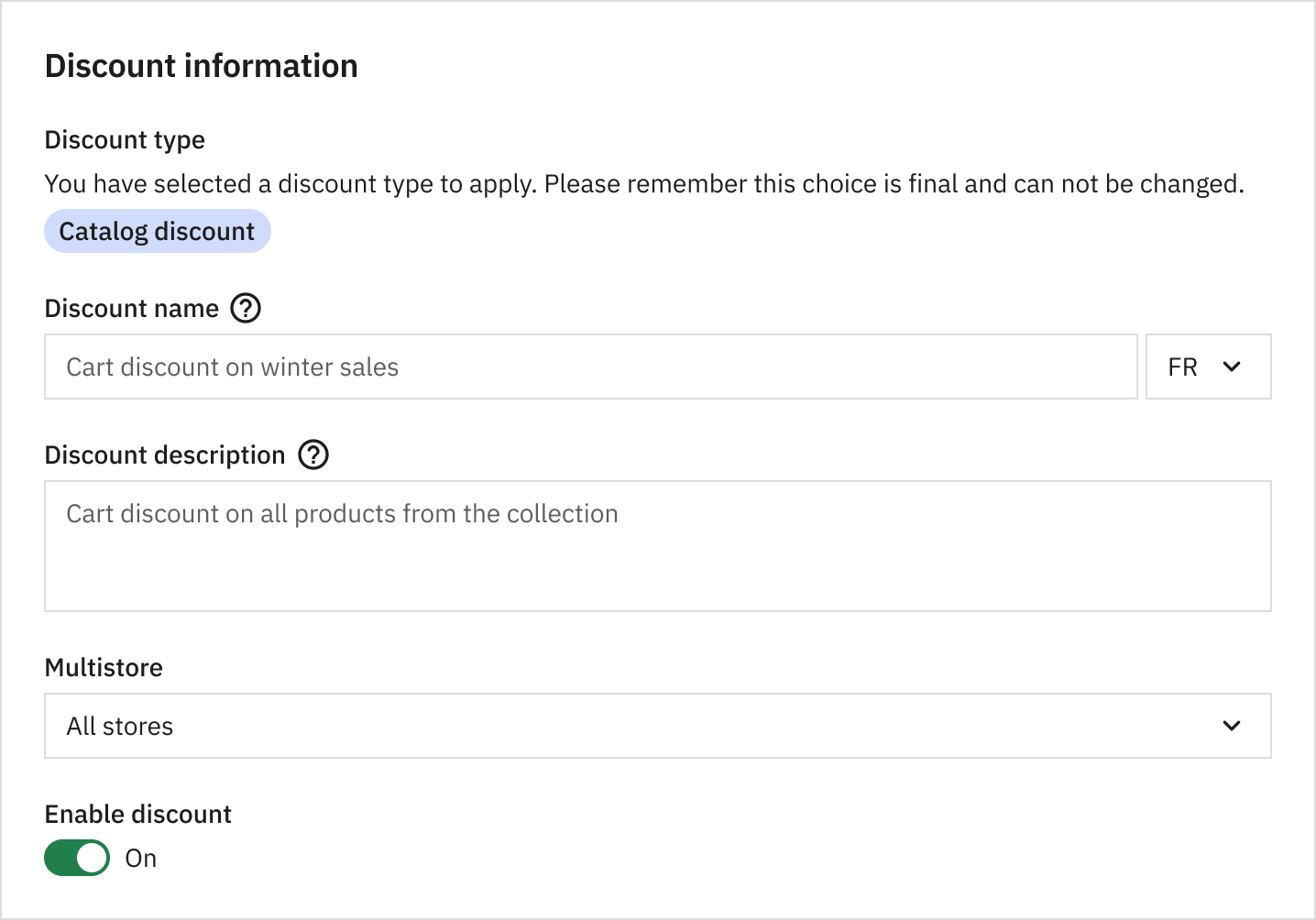
General Information: Includes the name, internal description, and discount status.
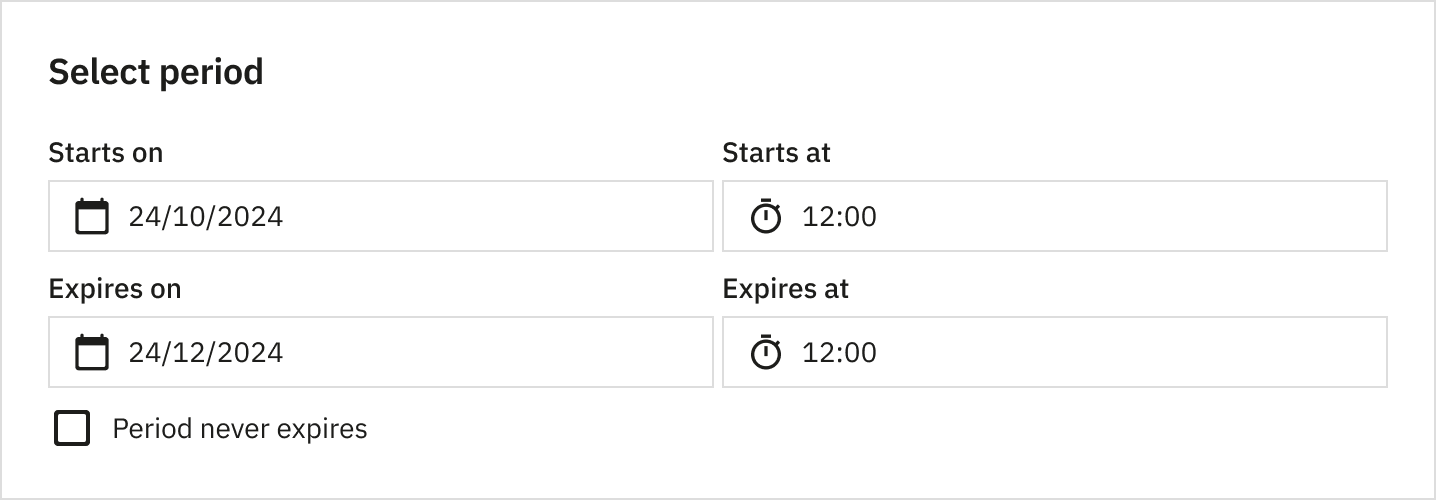
Activation Period: Schedule a discount with optional start and end dates.
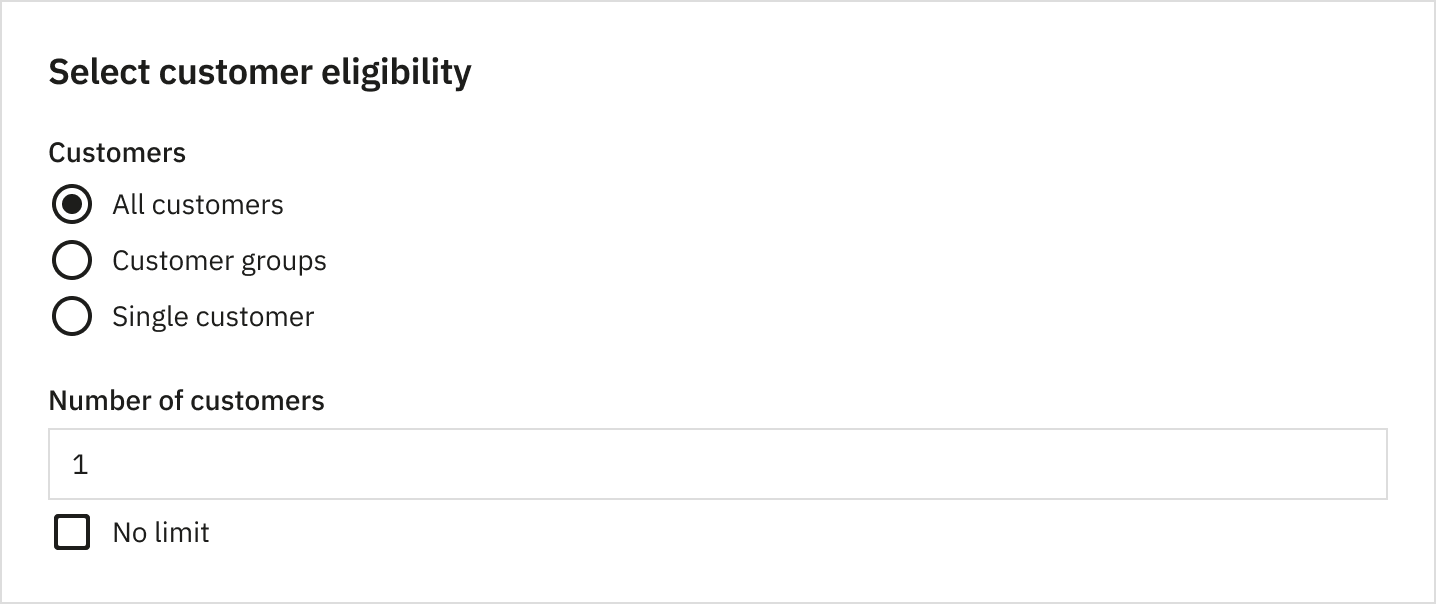
Customer Eligibility: Assign discounts to specific users, customer groups, or everyone.
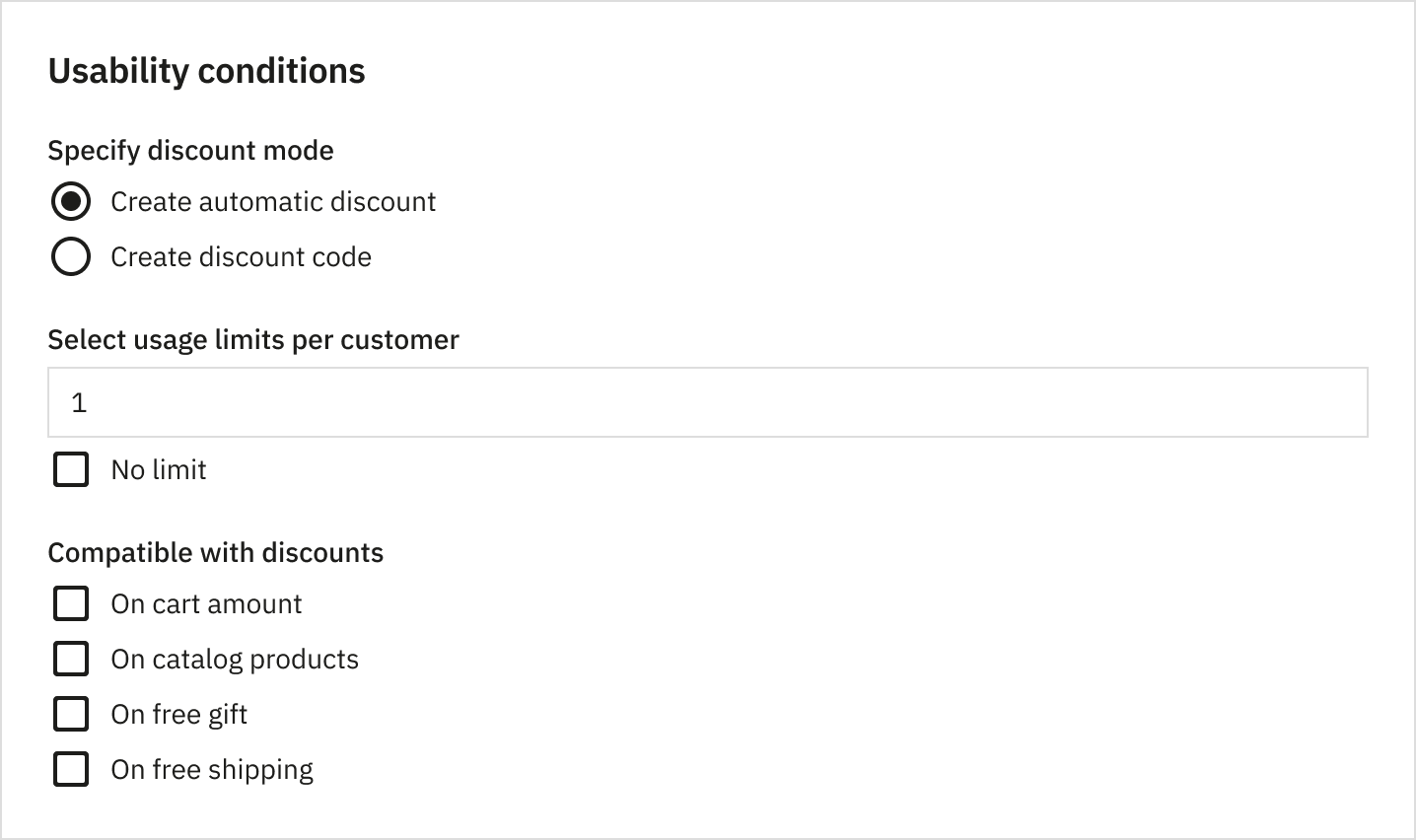
Usage Conditions: Define how the discount is triggered (automatic or promo code), usage limits (total or per user), and compatibility with other discounts.
Different Elements
Some configuration options are specific to the discount type:
Trigger Conditions:
- Based on cart content: Presence of specific products, products matching segment criteria (categories, brands, suppliers, features, attributes), quantity of items, or cart amount.
- Based on shipping: Delivery country or carrier.
Discount Results:
- A fixed amount.
- A percentage.
- Free shipping.
- A free product.
New Compatibility System
We introduced a new compatibility system that operates at the discount type level:
- Usage Mode Independence: Whether a discount is automatic or via promo code does not affect its application order.
- Application Order:
- Catalog discounts (product-level).
- Cart discounts (cart amount-level).
- Free Shipping (highest priority).
- Free Gift.
- Same-Type Compatibility: Multiple eligible discounts of the same type are applied based on priority (lowest to highest). If priorities match, they are ordered by creation date.
- Dynamic Re-evaluation: Eligible discounts are re-evaluated and applied with every order modification or promo code application.
How to enable it?
Like all feature previews, you need to enable the corresponding feature flag in your back office administration panel to test it:
- Go to Advanced Parameters > New & Experimental Features.
- Find “Discount” in the list.
- Switch the toggle to Enabled.
- Save the settings.
- When the warning modal appears ("You are about to enable a feature that is not stable yet…"), click “Enable”.
What about compatibility?
Under the hood, these 4 new discount types are plugged into the existing cart rules system. This ensures backward compatibility with the existing system, so your current setup remains safe.
We need your feedback!
This improved discount system is a significant step forward in making PrestaShop more powerful and user-friendly. However, complex features like this need thorough field testing to ensure they meet all your needs.
We invite you to test this feature in your development environments and share your thoughts. Did we miss a specific use case? Is the new interface intuitive?
Please share your feedback, report bugs, or suggest improvements on GitHub Discussions. Your input is invaluable in helping us polish this feature for the stable release.